 Click here to ask for a free demo








When a memo is associated with a vehicle, the label of the “Brand” field turns red in the POS.
Step 1
- Via the “Point of Sale”, go to the vehicle file.
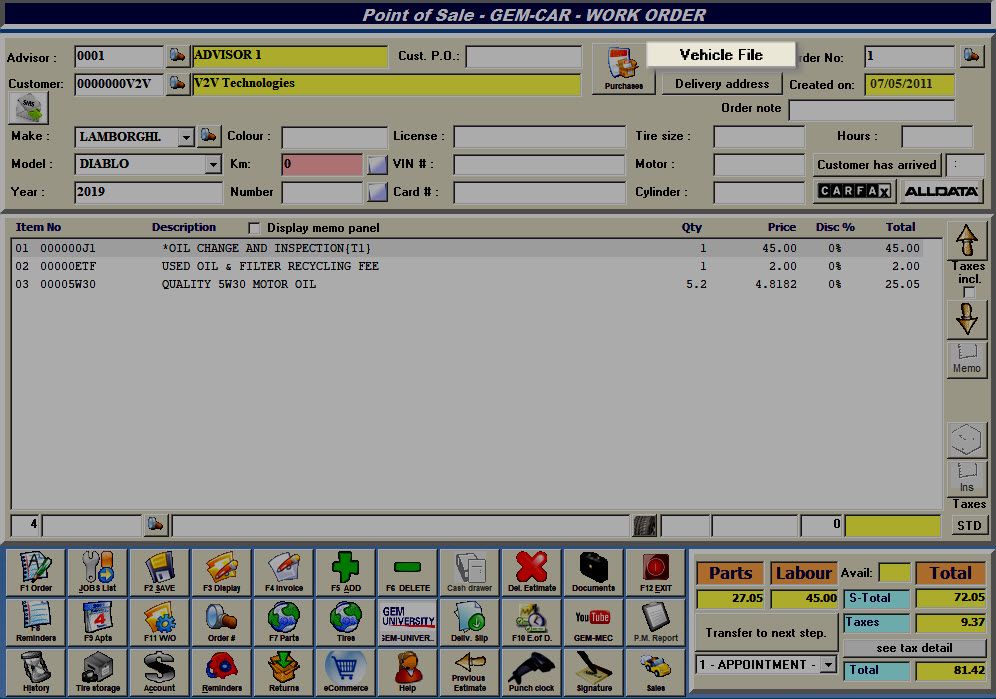
- Click on the “Internal Information” tab.
- Enter a note:
- E.g.: How do you turn off the indicator light after an oil change.
- Save and Exit.

Step 2
- Click on the red zone in the “Brand” field to display the note (and modify it).
- Click on the “Brand” field once again to close the note and automatically save the changes.